

Thank you for reviewing one of our books!
Reviewing a book is easy and helps both readers and authors. We collect reviews on Amazon. Just click the book you want to review, and you’ll go straight to the Amazon page to leave your review.
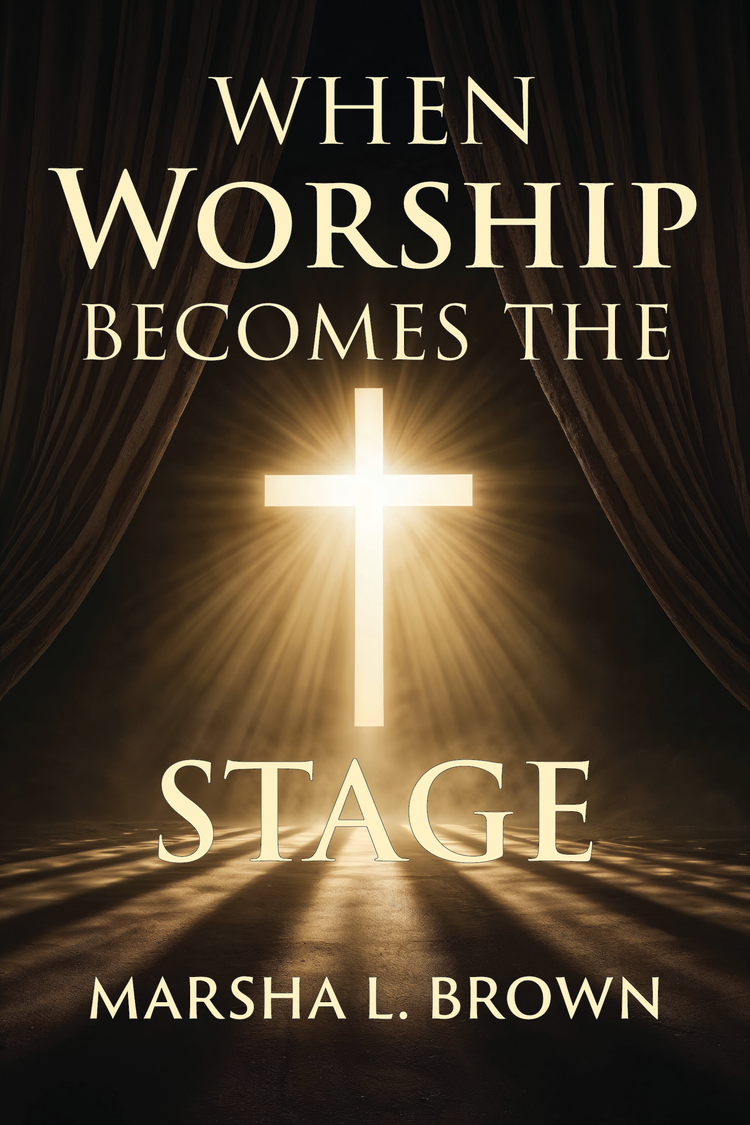
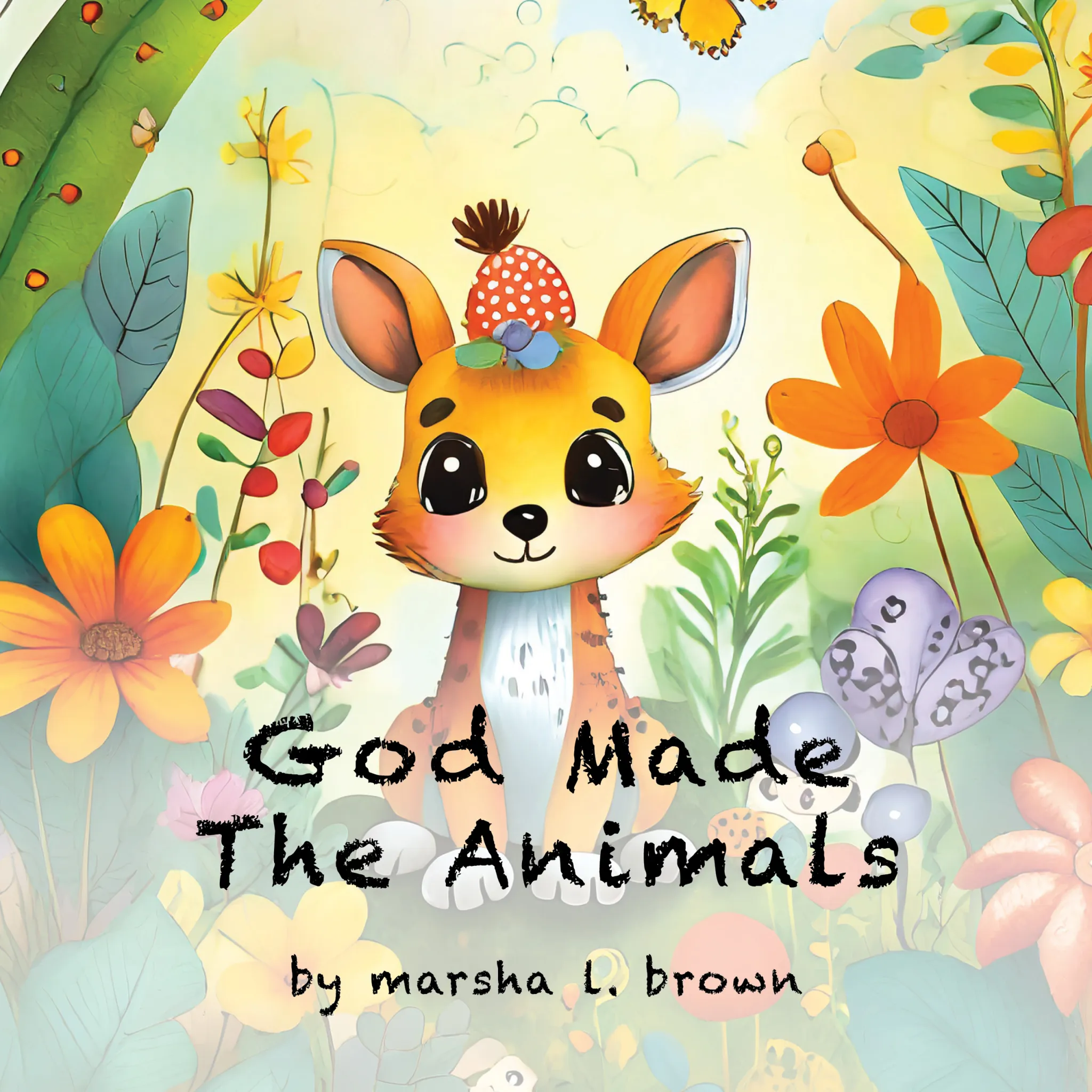
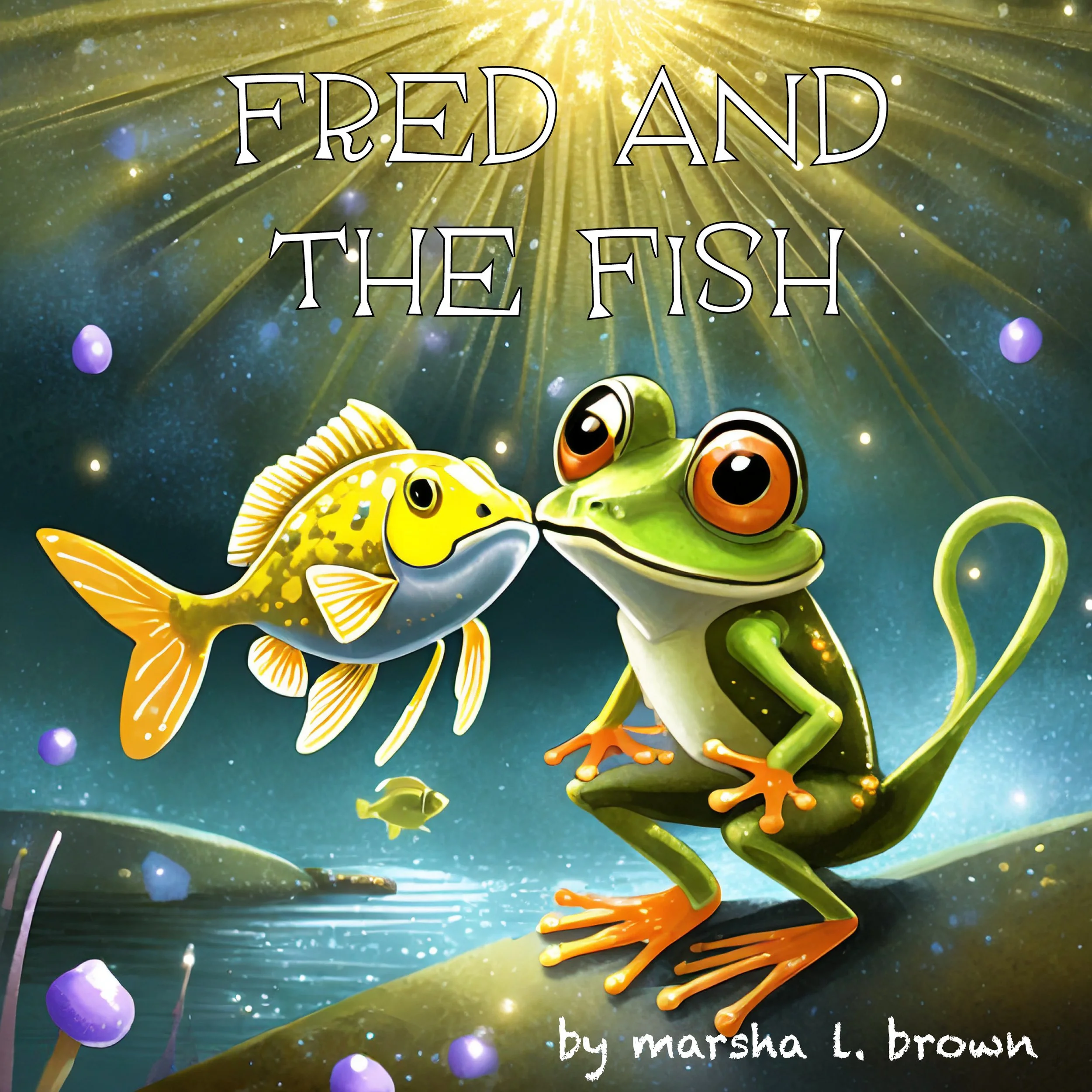
How to Leave a Review on Amazon
1. Make sure you’re signed in to your Amazon account.
2. On the book’s Amazon page, scroll down to the Customer reviews section.
3. Click Write a customer review.
4. Choose your star rating (1–5).
5. Add a short headline and write your honest thoughts about the book.
6. Click Submit.
That’s it! Your review may take a few hours (sometimes up to a day or two) to appear.
Note: You need an Amazon account that has spent at least $50 in the past year to leave a review. If you received a complimentary copy, your review will not show a “Verified Purchase” badge — that’s completely normal.
Also, if you receive a complimentary copy of a book, never feel obligated to leave a review, but please know your honest thoughts and opinions are helpful to both readers and authors!
Thank you so much for reading and sharing your thoughts!